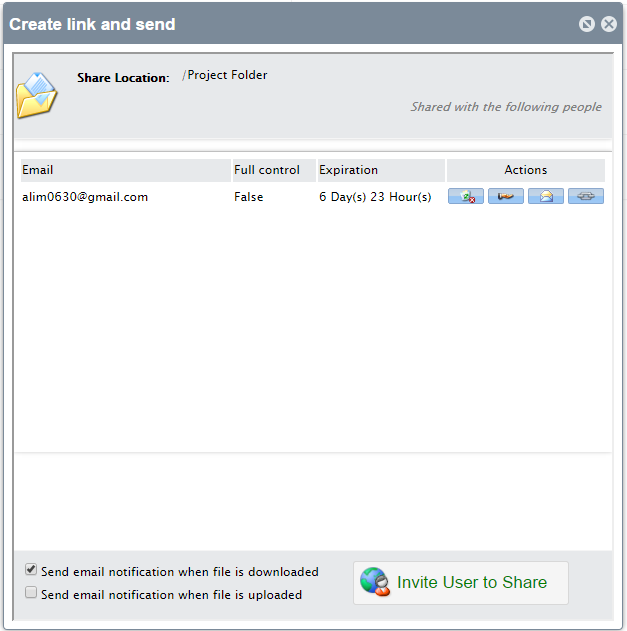
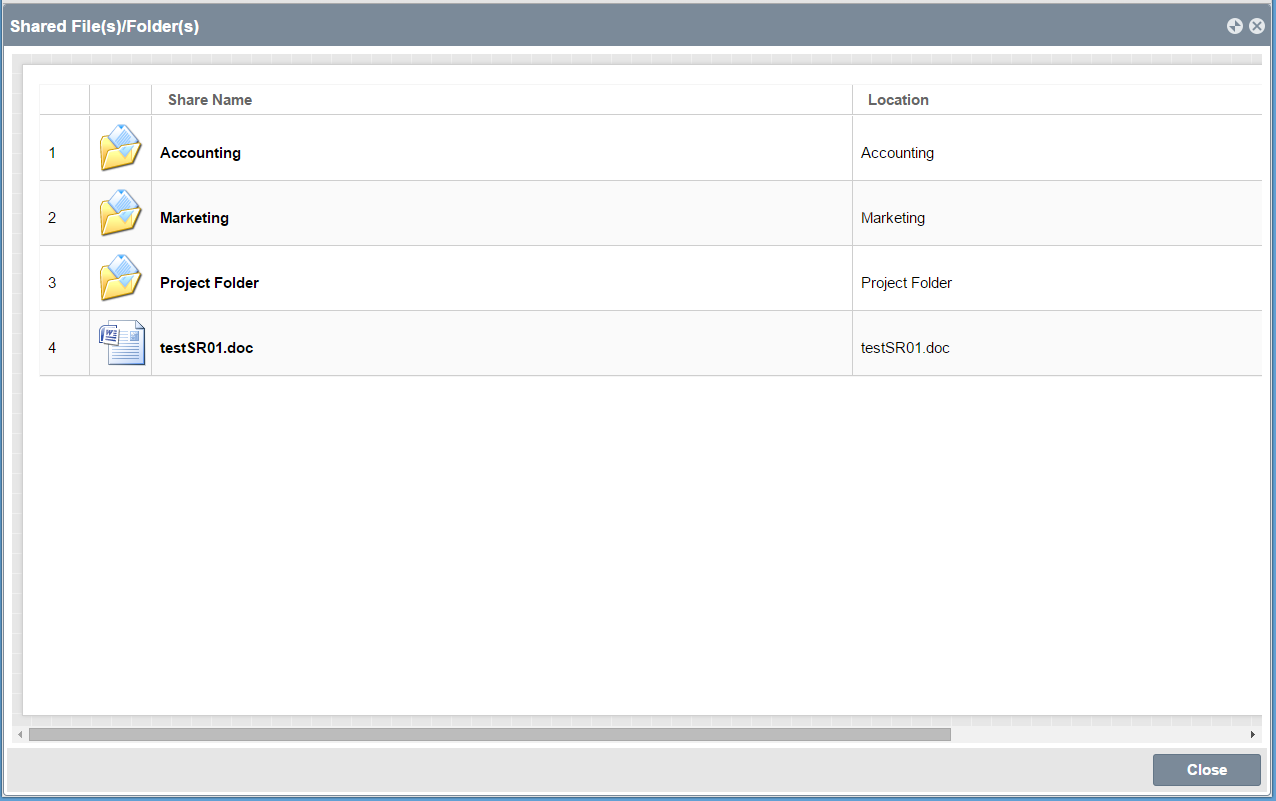
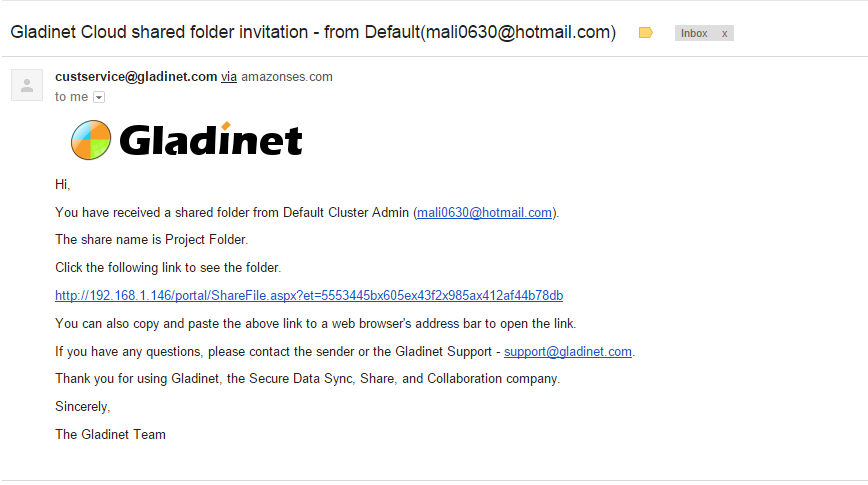
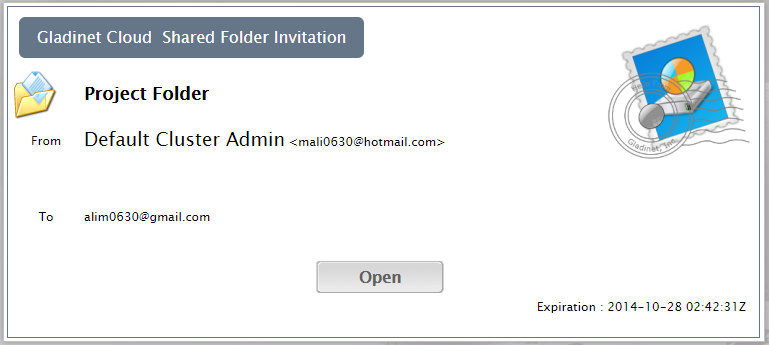
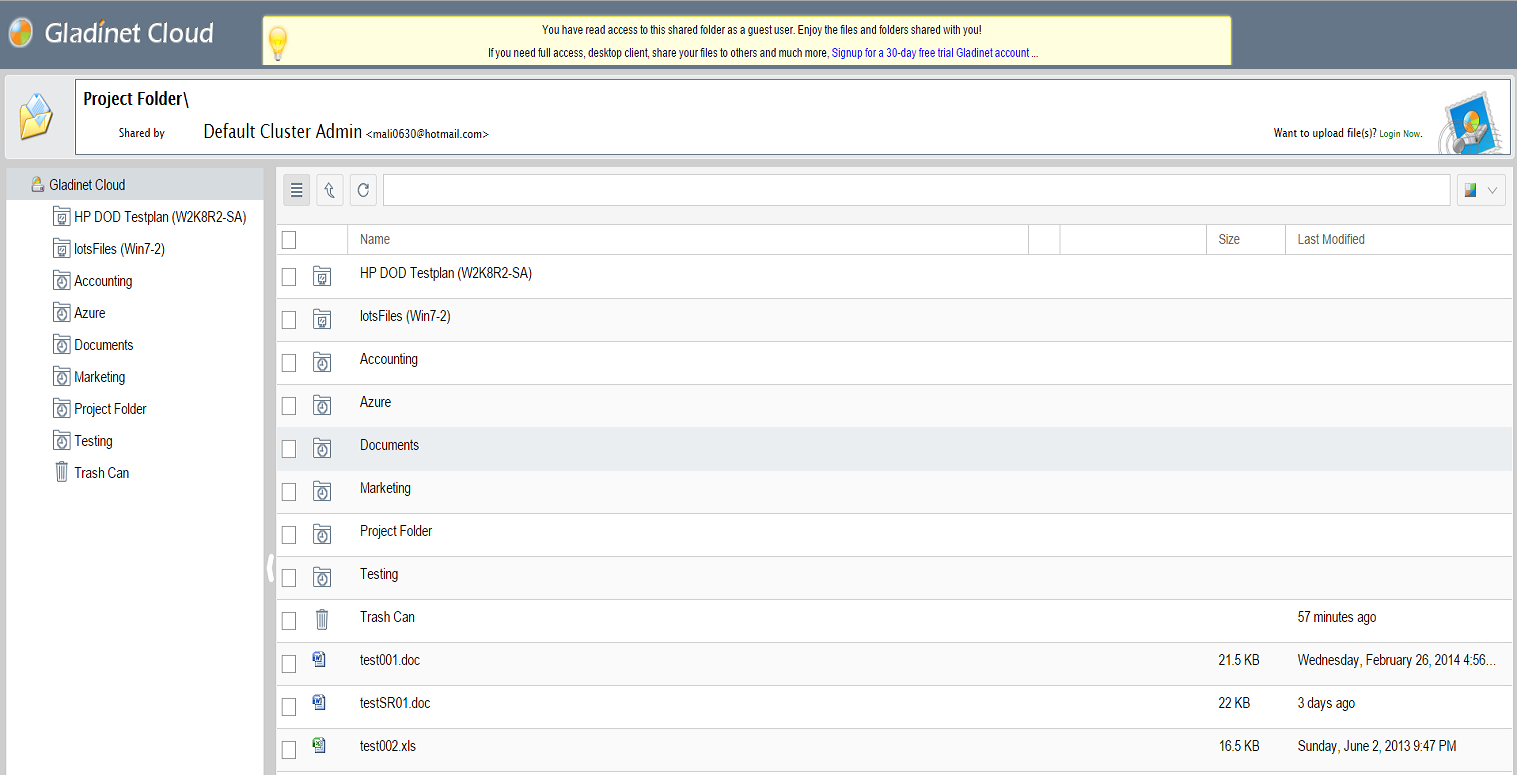
Gladinet Cloud provides online files and folder share related functionalities, such
as sending folder as a link or sending a folder to a registered Gladinet user in
his/her "Files Shared with Me" folder; Compared to the traditional way of zipping
up a folder and sending as attachment to email, sending files and folders as links
are much easier. The OpenStack Swift storage service will be the backend storage
service, powering the file and folder share solution.
How to Set it Up?
The best way to set it up is to download the Gladinet Cloud Enterprise trial and set it up
side by side with your own OpenStack Swift and turn it into a sync and share solution. Click the 'Free 90-Day Trial' to get started.
Test Drive It Live!
For easy test drive on live systems,
You can sign up for a Gladinet Cloud Team account hosted by Gladinet.com.
During the sign up process, select
the "Plugin My Own Cloud Storage" option and plugin your OpenStack Swift
Cloud Storage account. After the sign up process is completed, you will be at the
Web Browser Based File Manager, looking directly into your OpenStack Swift files
and folders. After that, you can use the file and folder share features.